Sales · 7 min read · May 19, 2026
How to Connect Your Shopify Store Data for Daily Business Insights
A step-by-step guide to exporting Shopify analytics, uploading them to DawnPulse, and getting AI-powered insights on revenue, conversion, and cart abandonment every day.
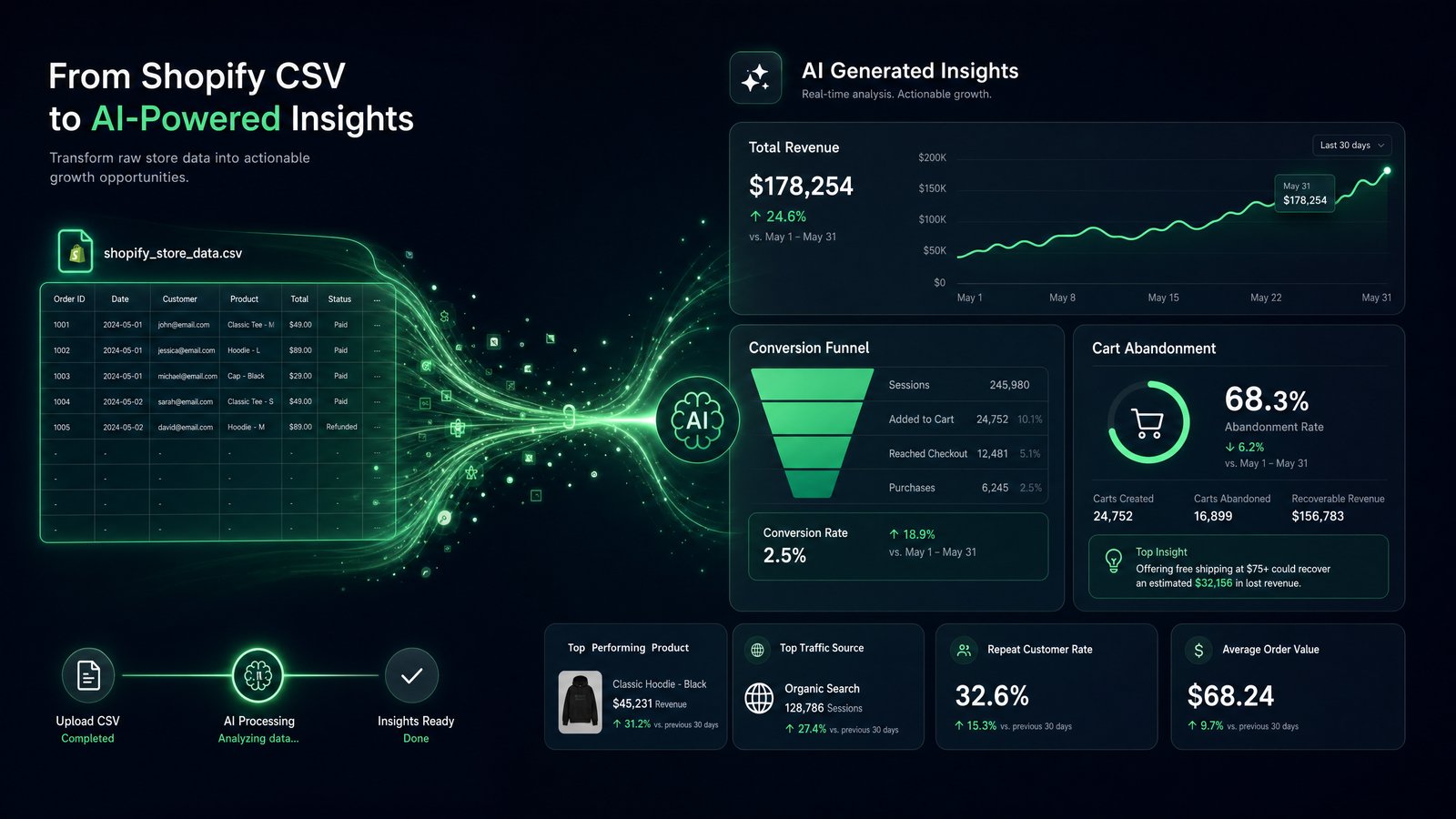
How to Connect Your Shopify Store Data for Daily Business Insights
In the fast-paced world of e-commerce, understanding your store's performance is paramount. Shopify provides a wealth of data, but extracting actionable insights from raw numbers can be a time-consuming challenge. This guide will walk you through the process to connect Shopify data to DawnPulse, a powerful B2B SaaS tool designed to transform your e-commerce analytics into clear, AI-powered daily briefings. By integrating your Shopify store, you can gain immediate clarity on critical metrics like revenue, conversion rates, and cart abandonment, empowering you to make data-driven decisions that propel your business forward.
The Imperative of Daily E-commerce Insights
E-commerce success hinges on agility and informed decision-making. While Shopify's native analytics offer a snapshot, the true power lies in continuous monitoring and advanced analysis. Businesses need to move beyond static reports to a dynamic understanding of their operational health. Daily insights allow for rapid identification of trends, anomalies, and opportunities, enabling proactive adjustments to marketing campaigns, inventory management, and customer engagement strategies. Without a streamlined way to process and interpret this data, even the most robust Shopify store can struggle to optimize its performance and respond effectively to market shifts.
Preparing Your Shopify Data for Seamless Integration
Before you begin the connection process, it's beneficial to understand the types of data Shopify provides and how they contribute to a comprehensive business overview. Shopify tracks a wide array of metrics, including sales performance, customer behavior, marketing attribution, and financial transactions. DawnPulse leverages this rich dataset to generate its AI-powered insights, offering a holistic view of your e-commerce ecosystem. Ensuring your Shopify account is properly configured and that you have the necessary administrative permissions will facilitate a smooth data export and integration experience.
Step-by-Step: Connecting Shopify to DawnPulse
Connecting your Shopify store to DawnPulse is a straightforward process designed to get you up and running quickly. Follow these steps to establish a secure and efficient data flow, enabling you to receive daily briefings and unlock deeper insights into your business performance.
1. Access Your Shopify Admin Panel
Begin by logging into your Shopify store's administration panel. This is your central hub for managing all aspects of your e-commerce business, including sales, orders, products, and analytics. Ensure you have the appropriate permissions to access reporting and app integration settings.
2. Navigate to the Apps Section
From your Shopify admin dashboard, locate and click on the "Apps and sales channels" option in the left-hand sidebar. This is where Shopify manages every third-party tool that can read or write store data. You don't need to install anything from the Shopify App Store manually — DawnPulse's one-click connection handles the authorization for you, but it's useful to know this is the section where the connection will appear once it's live, and where you can review or remove it at any time.
3. Start the Connection from Your DawnPulse Dashboard
Log into your DawnPulse account and open the Connections page. Select Shopify from the list of one-click connections and click Connect. You'll be redirected to Shopify's secure authorization screen. If you manage more than one store, make sure you're logged into the correct Shopify account before proceeding.
4. Review and Approve the Permissions
Shopify will show you exactly what DawnPulse is requesting. The answer is deliberately short: read-only access. DawnPulse asks to view your orders, revenue, and product performance data — nothing more. It cannot edit products, change prices, issue refunds, or touch customer payment details. Approve the request, and Shopify redirects you back to DawnPulse automatically.
5. Let the First Sync Complete
Once authorized, DawnPulse begins pulling your historical data — orders, revenue trends, and product-level performance — so its analysis has real context, not just a single day's snapshot. The first sync typically finishes within minutes, depending on the size of your catalog and order history. After that, your data syncs automatically every day. There's nothing to schedule, export, or babysit.
6. Confirm Your Data Looks Right
Open your DawnPulse dashboard and spot-check a few numbers against your Shopify admin: yesterday's revenue, total orders, top-selling products. They should match. If you run more than one Shopify store, repeat the process for each one — each store connects separately.
What You Get Once Connected
The moment your store is connected, DawnPulse starts turning raw Shopify data into decisions:
- A daily briefing. One plain-English paragraph every morning: what changed in your store, why it changed, and what to do next. No dashboards to decode before coffee.
- Anomaly alerts. If revenue drops off trend, a product suddenly underperforms, or order volume spikes unexpectedly, DawnPulse flags it and explains the likely cause — so you catch problems in hours, not at month-end.
- 7-day projections with honest ranges. Based on your recent performance, DawnPulse projects the week ahead as a range, not a single magic number. When confidence is low, it says so. You plan inventory and ad spend against reality, not optimism.
- Product performance tracking. See which products are driving growth and which are quietly fading, surfaced in the briefing rather than buried in a report you have to build.
Because the connection is direct and automatic, all of this updates every day without you exporting a single CSV. (Running other tools alongside Shopify — GA4, Meta Ads, Stripe? Upload a CSV or Excel export from any of them and DawnPulse reads that too.)
Start Getting Daily Insights Today
Connecting your Shopify store takes less time than reading this guide. If you're ready to replace scattered reports with one clear paragraph every morning, connect Shopify to DawnPulse in one click — or start your 14-day free Pro trial and see your first briefing tomorrow. No credit card required.